01RSVP CONTROL
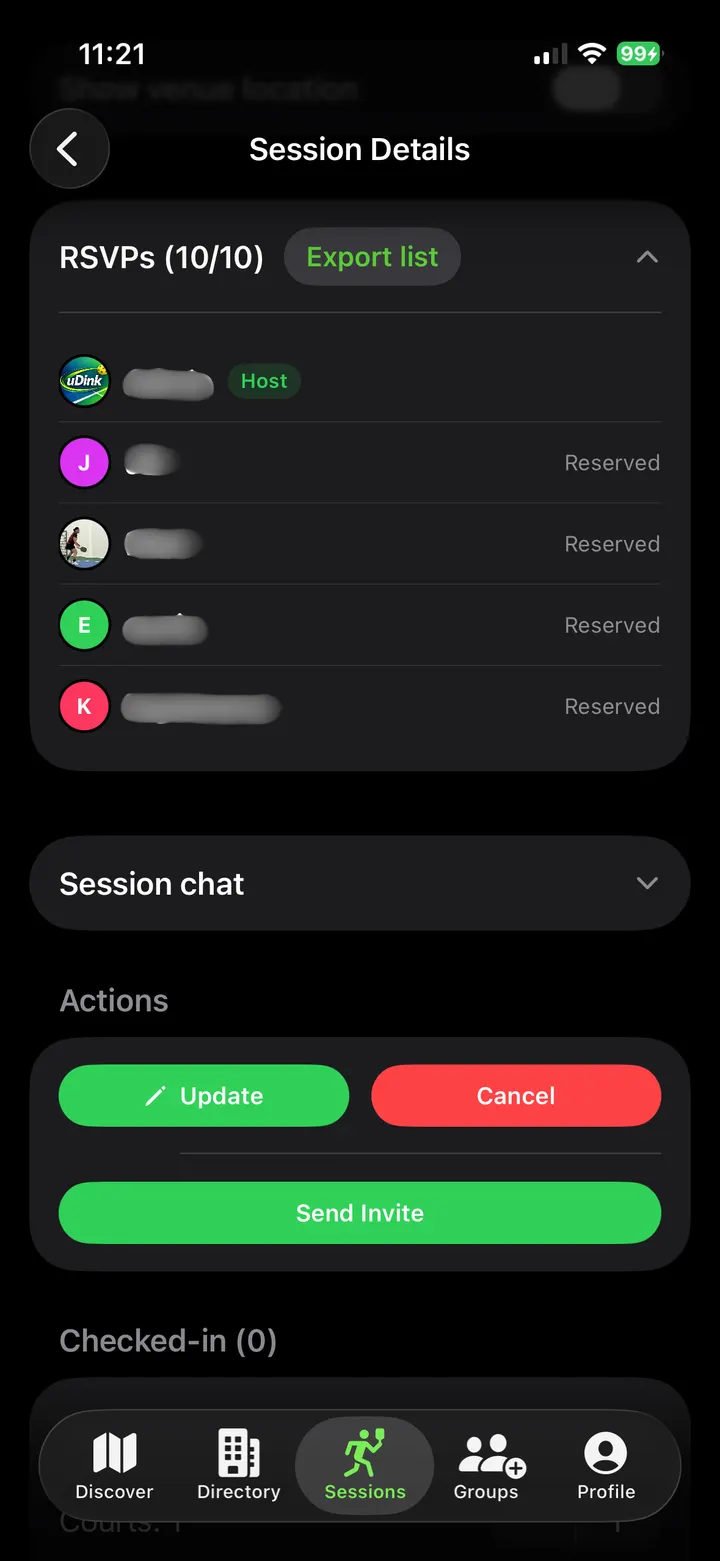
See who’s in.
Check who’s in and export your player list.
For pickleball, padel and badminton organisers
Manage RSVPs, payments and payouts in one place.
Free to download · iOS & Android
How uDink works
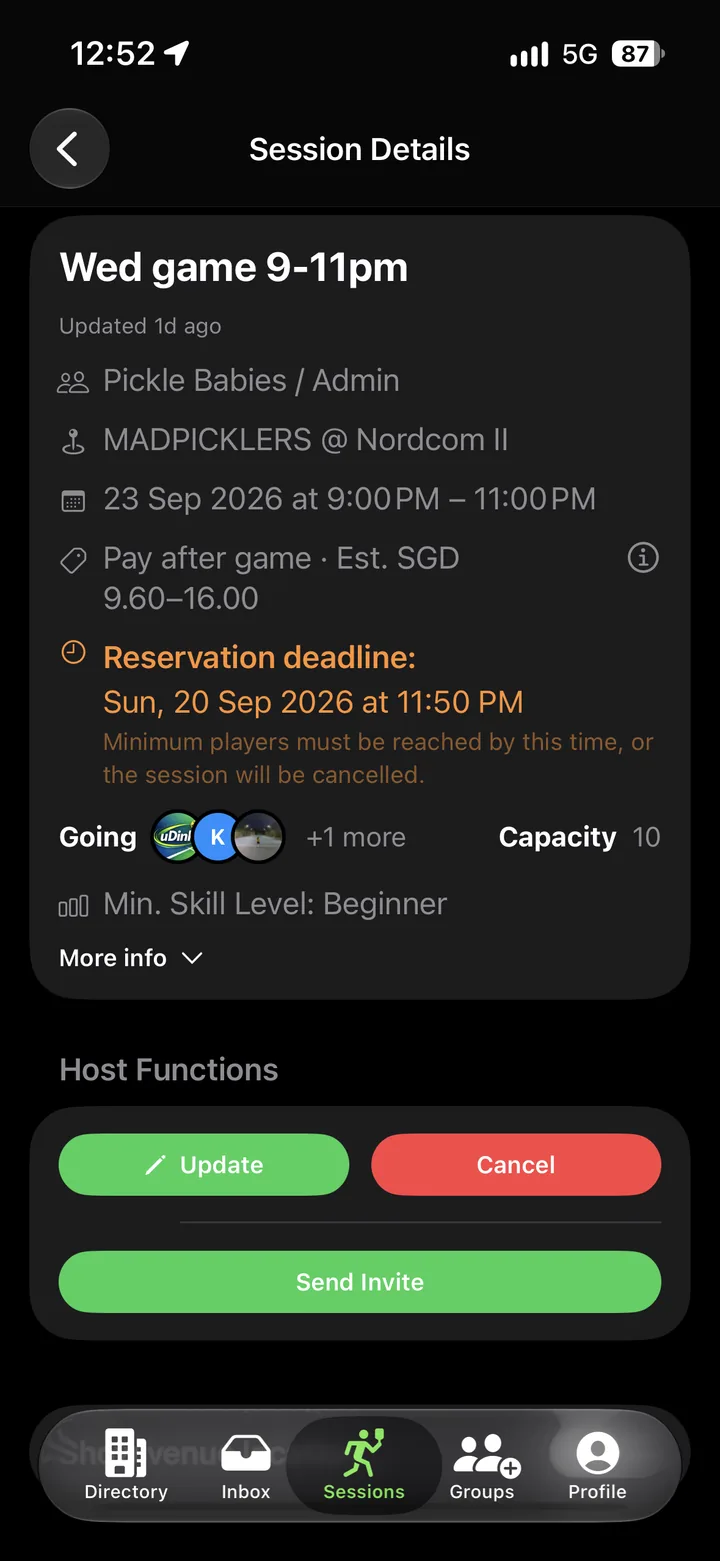
Choose the court, time and payment option.
Invite players through your existing chat.
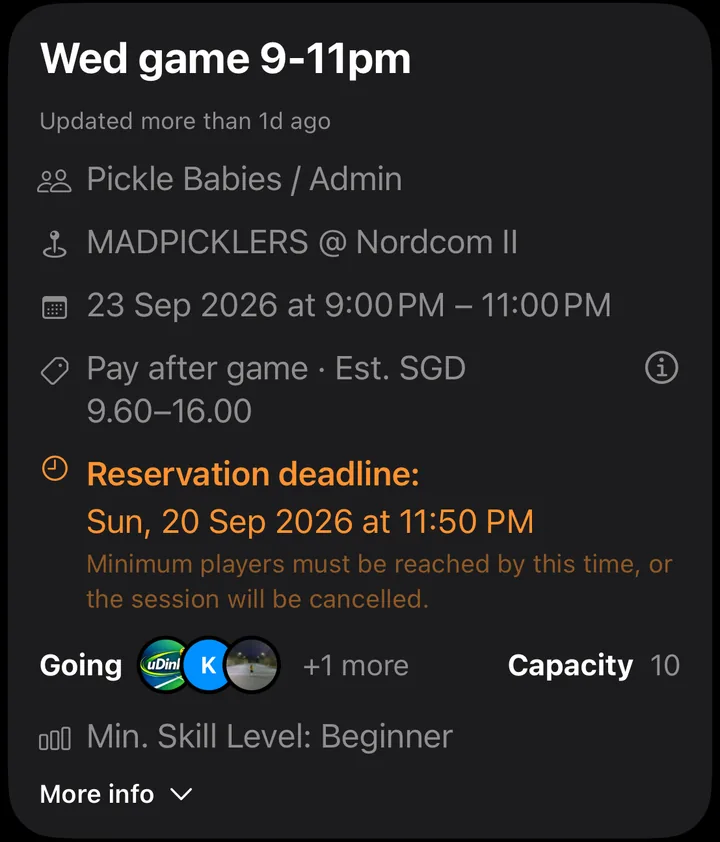
See RSVPs and payment status. Hosts get email and in-app notifications when a player’s payment is completed or their cancellation is processed.
Follow settlement and payouts after the game.
Organiser controls
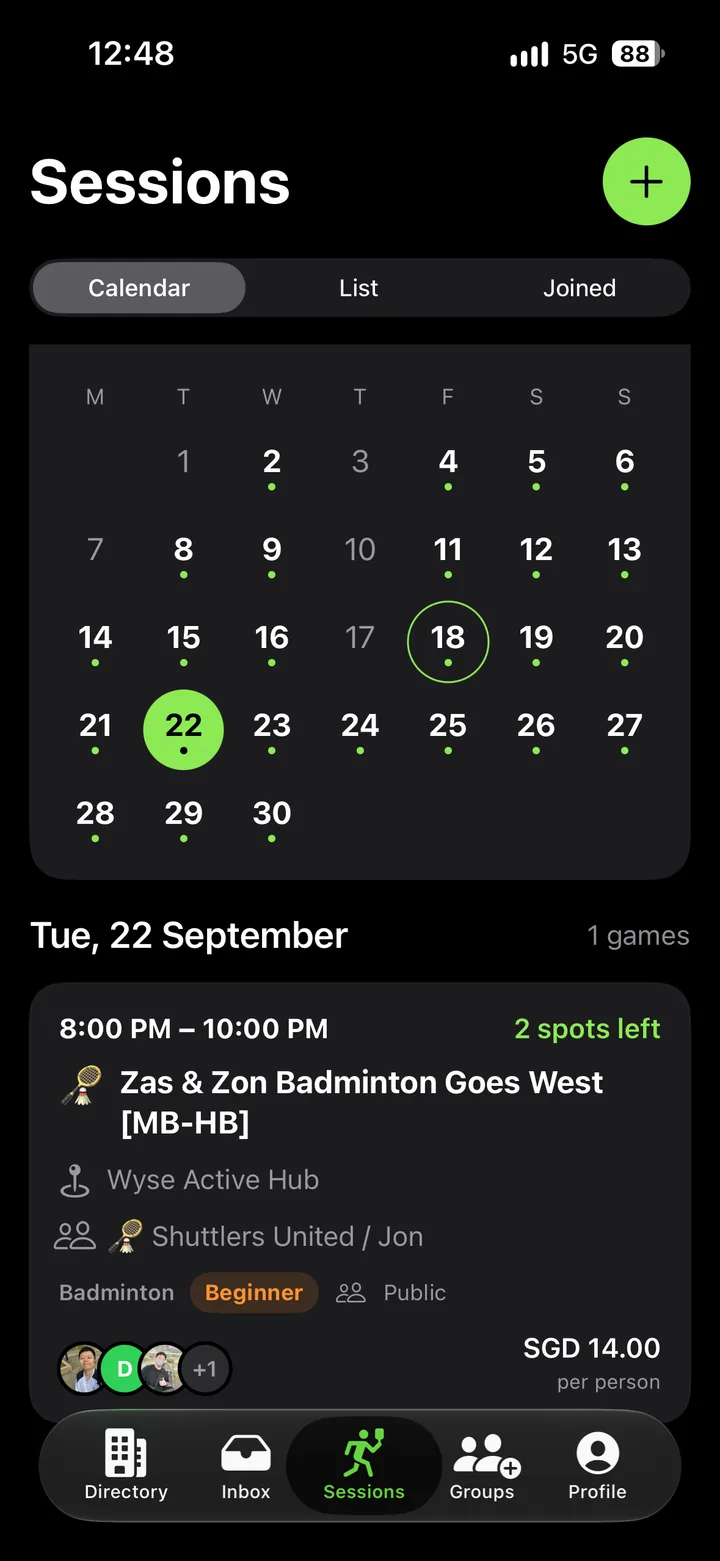
Schedule weekly, fortnightly or monthly games.
Recurring sessionsCheck who’s in and export your player list.
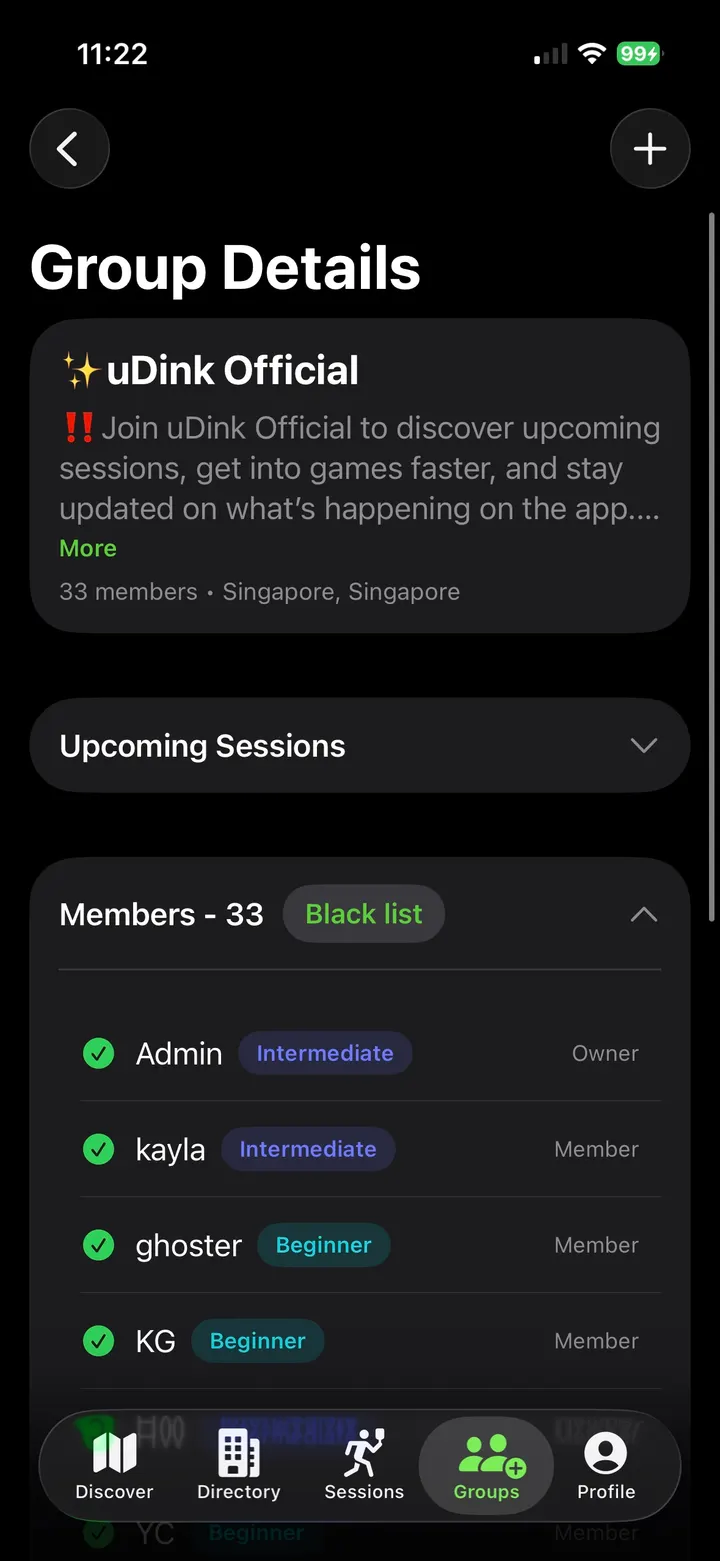
Manage your group with co-admins.
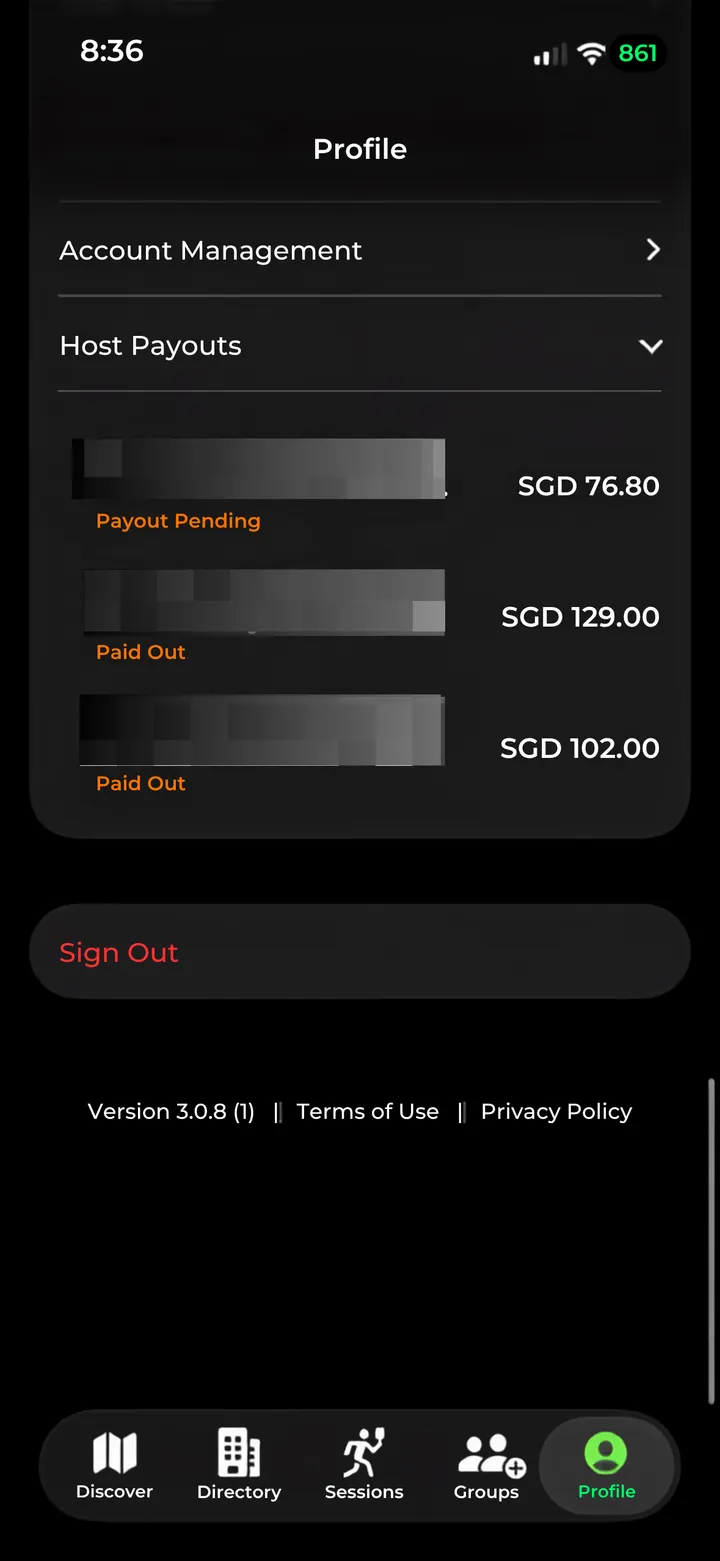
See pending and completed payouts.
Payment options
Choose from the payment options available for your account.
Reserve a place with no session payment.
Create a session →Players pay upfront to book their place.
Cancellation rules →Reserve with an eligible card; settle after the game.
Pay Later guide →Cards, Apple Pay, Google Pay, PayNow and GrabPay, where available.
Payment security →For prepaid games, proceeds transfer shortly after the session. For Pay Later, settlement and successful charges come first. Check Host Payouts for status and an expected arrival date when available. Bank timing depends on your payout route and account.
When plans change
Prepaid cancellations depend on how soon the game starts.
Players can cancel their own prepaid reservation.
Player cancellation guide →Until game time, only the host can cancel a player’s place.
Host cancellation rules →For a Saturday, 7pm game, players can cancel themselves until Thursday, 7pm. After that and before the game starts, only the host can cancel their place.
If the host cancels the game, or the minimum-player process cancels it, prepaid payments will be fully refunded. The player’s bank or payment provider controls when it arrives.
Session refunds →Live on uDink
Explore public sessions available to join.
Works with your venue
Keep your venue’s booking process. Manage the players and payments in uDink.
Clear costs
No sign-up fee. No subscription.
A 3% uDink platform fee applies to the full organiser payout when a paid-session payout exceeds S$200. Otherwise, no uDink platform fee applies.
Platform fee details →Frequently asked questions
No sign-up fees. No monthly or annual subscriptions.
There is no subscription fee for organising sessions.
We only succeed when your sessions succeed. A 3% uDink platform fee applies to the full organiser payout only when the payout for a paid session exceeds S$200. Otherwise, there is no uDink platform fee.
Yes. Organisers can create free sessions, pre-paid sessions and eligible Reserve First. Pay Later. sessions, depending on the options available in their account.
For a prepaid session, players can cancel their own reservation until 48 hours before the scheduled start. From less than 48 hours before the start until game time, only the session host can cancel a player’s place. Check the refund details separately: permission to cancel does not itself guarantee a refund. Bank or payment-provider processing can add time after a refund succeeds.
Eligible payments on uDink are processed through Stripe. Card and supported wallet information is handled through Stripe’s payment infrastructure rather than being stored directly by uDink.
Payout follows the applicable session settlement and payment-processing steps. Check Host Payouts for progress. The available payout route, account status and bank processing affect when money arrives.
Your next session