
How do I manage sports RSVPs without a spreadsheet?
Create one session and use its reservation list as the current player record. Share the same link in your existing chats so reservations are attached to the game.
SPORTS RSVP MANAGEMENT
Replace scattered chat confirmations with a shared session record for the details, reservations, capacity and player commitments around your game.
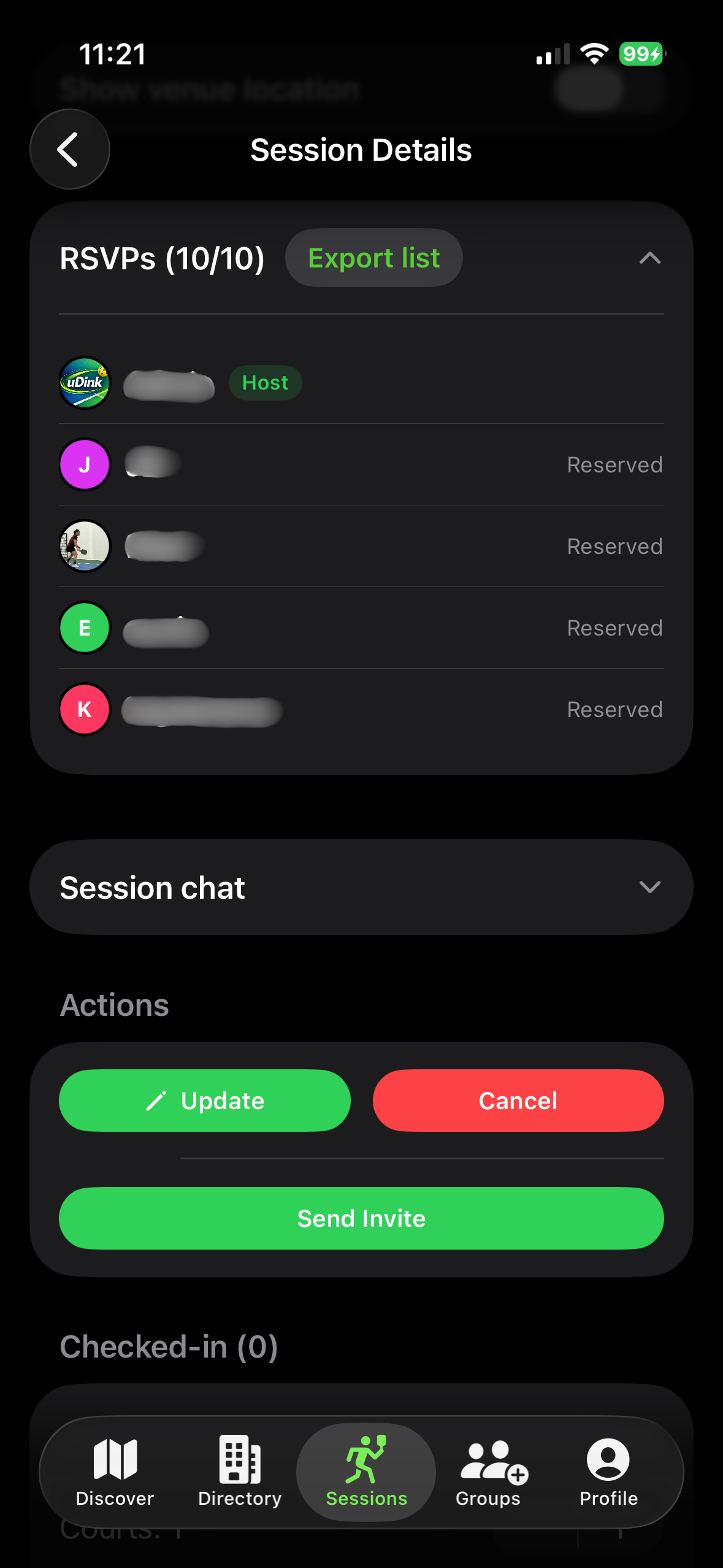
THE ONE-LIST WORKFLOW
Give the game a complete record: sport, venue, time, level, capacity and relevant payment details.
Use the session link in your existing group chat, rather than creating competing versions of the player list.
Reservations keep the current commitments attached to the actual game rather than a loose conversation.
Edit the current record so players return to one reliable source for the latest details.
Review reservations and attendance in the session when you need an operational record.
READY TO PUBLISH THE GAME?
Set the session details first, then make the shared link the one place players use to reserve and check the latest plan.
SPORTS RSVP FAQ
Create one session and use its reservation list as the current player record. Share the same link in your existing chats so reservations are attached to the game.
The session should make the sport, venue, date, time, playing level, capacity, price and any important notes clear before a player reserves.
Update the session rather than circulating a replacement list. Players can return to the original link to see the current details and reservation status.
uDink provides an export option for the RSVP list when organisers need an operational record for a session.