
What information should a pickleball session include?
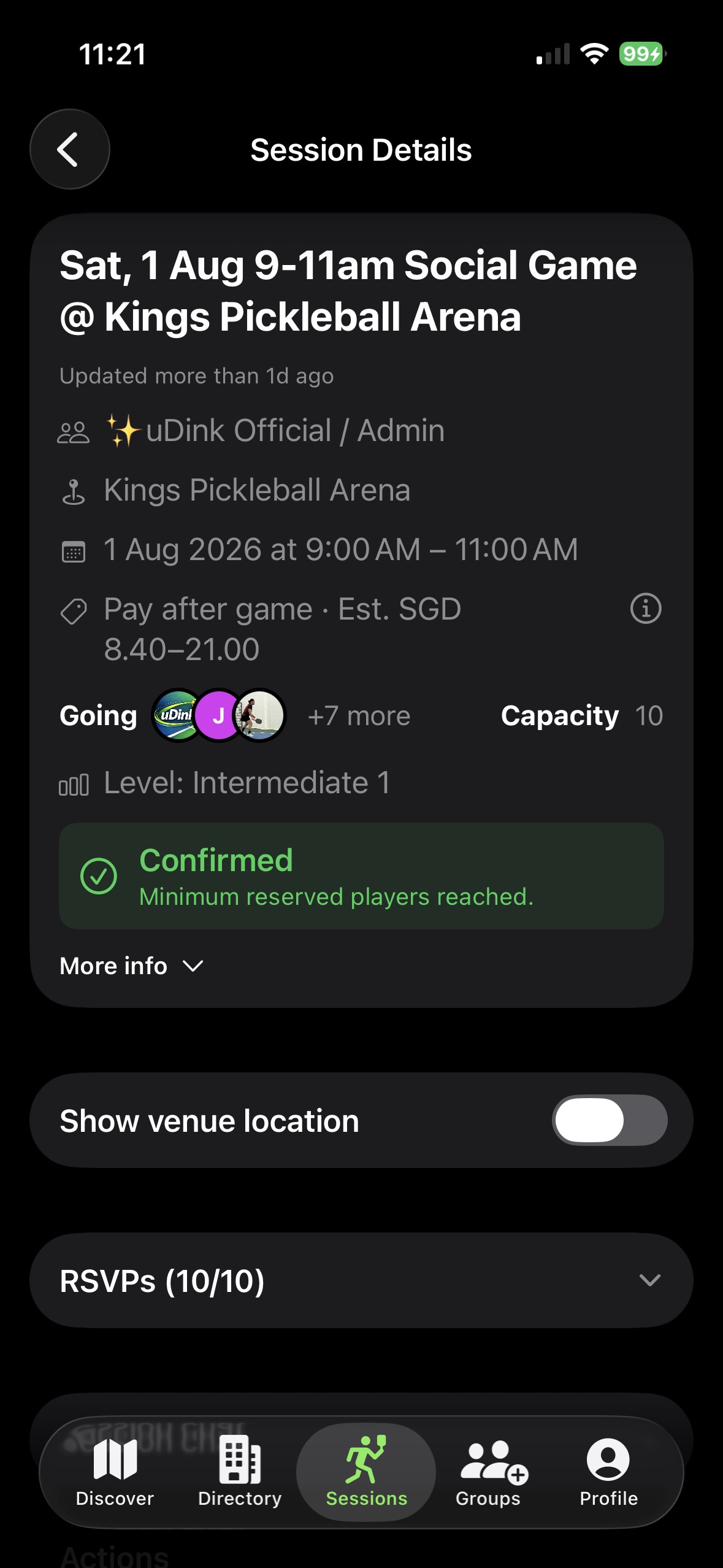
Include the venue, date, time, level, format, player capacity, minimum-player requirement, price and any arrival or court instructions.
PICKLEBALL ORGANISER GUIDE
A practical workflow for creating a pickleball session, filling the spots and keeping every player commitment attached to the same game.
FIVE PRACTICAL STEPS
Set the sport, venue, date, time, playing level, capacity and the minimum number of players needed.
Decide whether the game is free, paid before joining or eligible for a reserve-first, pay-later flow.
Create the session once and share the same link wherever your players already communicate.
Use the reservation list to see who has committed, how many places remain and whether the minimum is met.
Confirm attendance, keep the operational record with the session and complete the organiser payout flow where applicable.
LOOKING TO PLAY?
Browse current public listings and find a session that suits your schedule and level.
Find pickleball games in Singapore →BEFORE YOU SHARE THE GAME
A complete listing reduces avoidable follow-up questions and gives players one reliable place to check the session details.
ONE CURRENT RSVP LIST
Create one session record before inviting players. Share the same game link in every chat, ask players to reserve through that link and use its reservation list as the current source of truth.
When details change, update the session rather than circulating a second version. Players can return to the same link, while the organiser checks commitments in one place.
ORGANISER FAQ
Include the venue, date, time, level, format, player capacity, minimum-player requirement, price and any arrival or court instructions.
Give players one current session link and a clear reservation deadline. A single reservation list is easier to manage than confirmations spread across messages.
Confirm the court, date, time, duration, playing level, format, capacity, price and payment timing. Then share one current game link so every player sees the same details.
Eligible organisers can create paid sessions and keep reservations, attendance, payments and organiser payout records connected to the session.